Oh Gosh! Here is such great stuff to download!

Rules
Download the full Rulebook.
Download the Quick Rules.
Smartphone Wallpapers
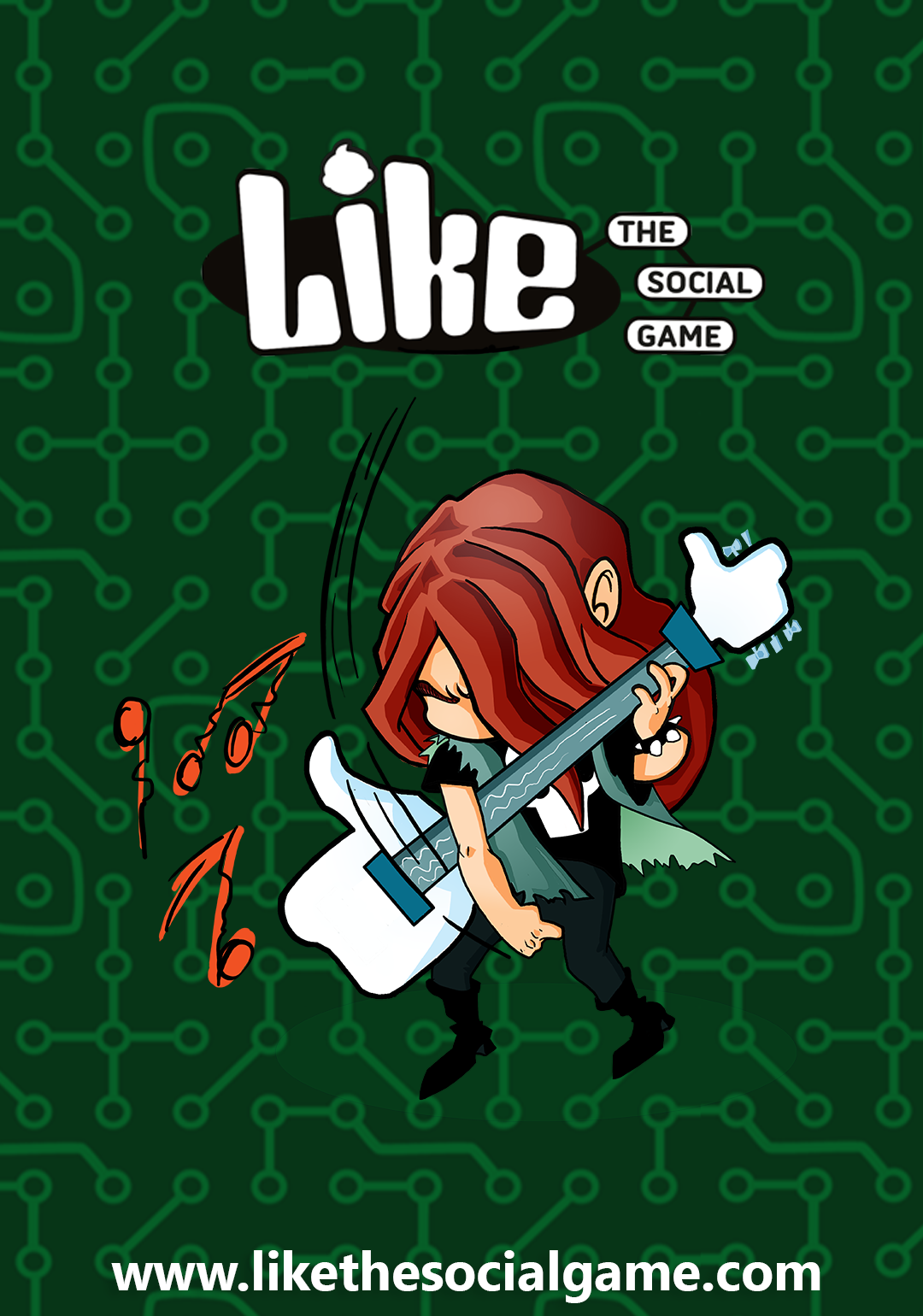 Metal wallpaper
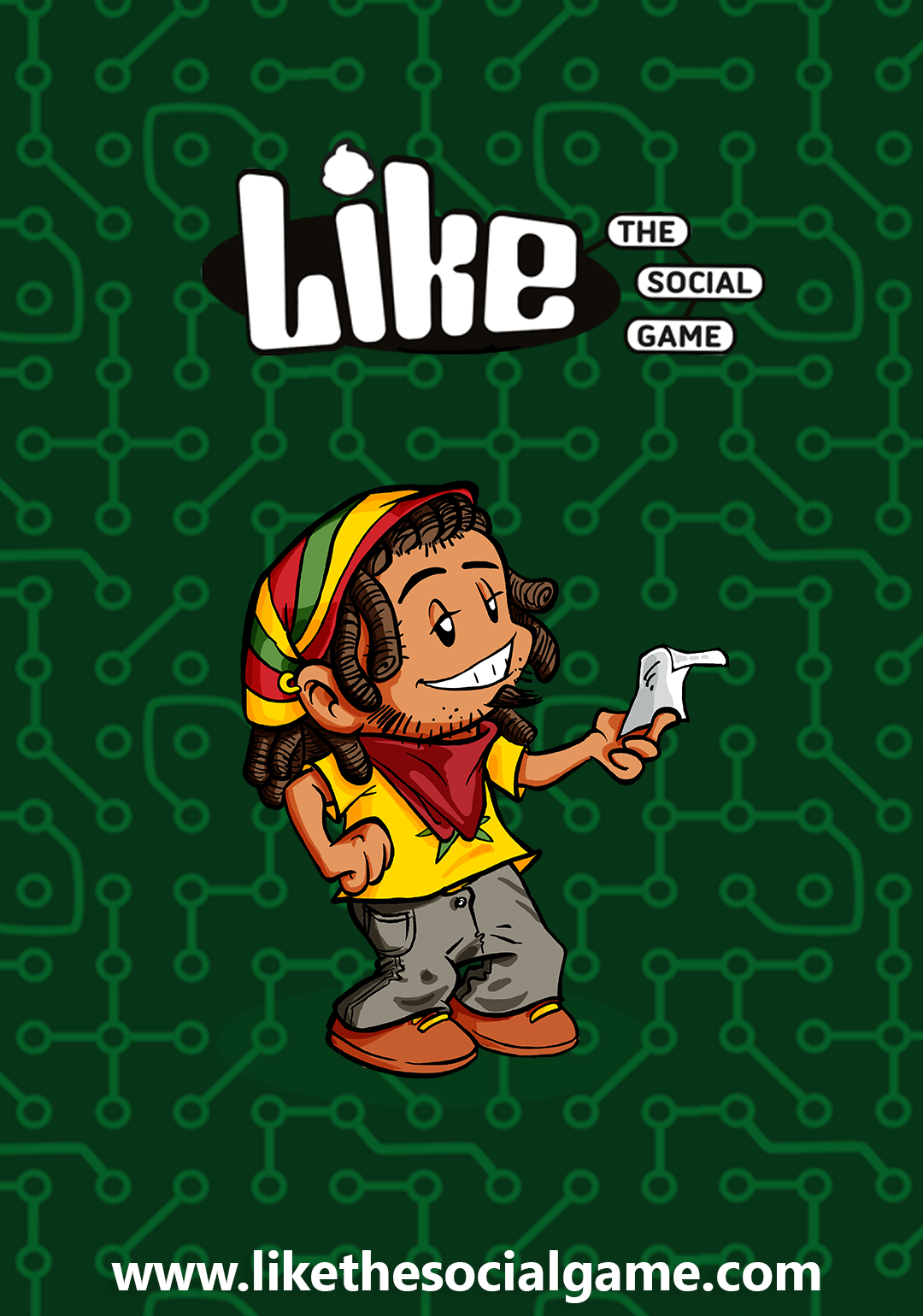

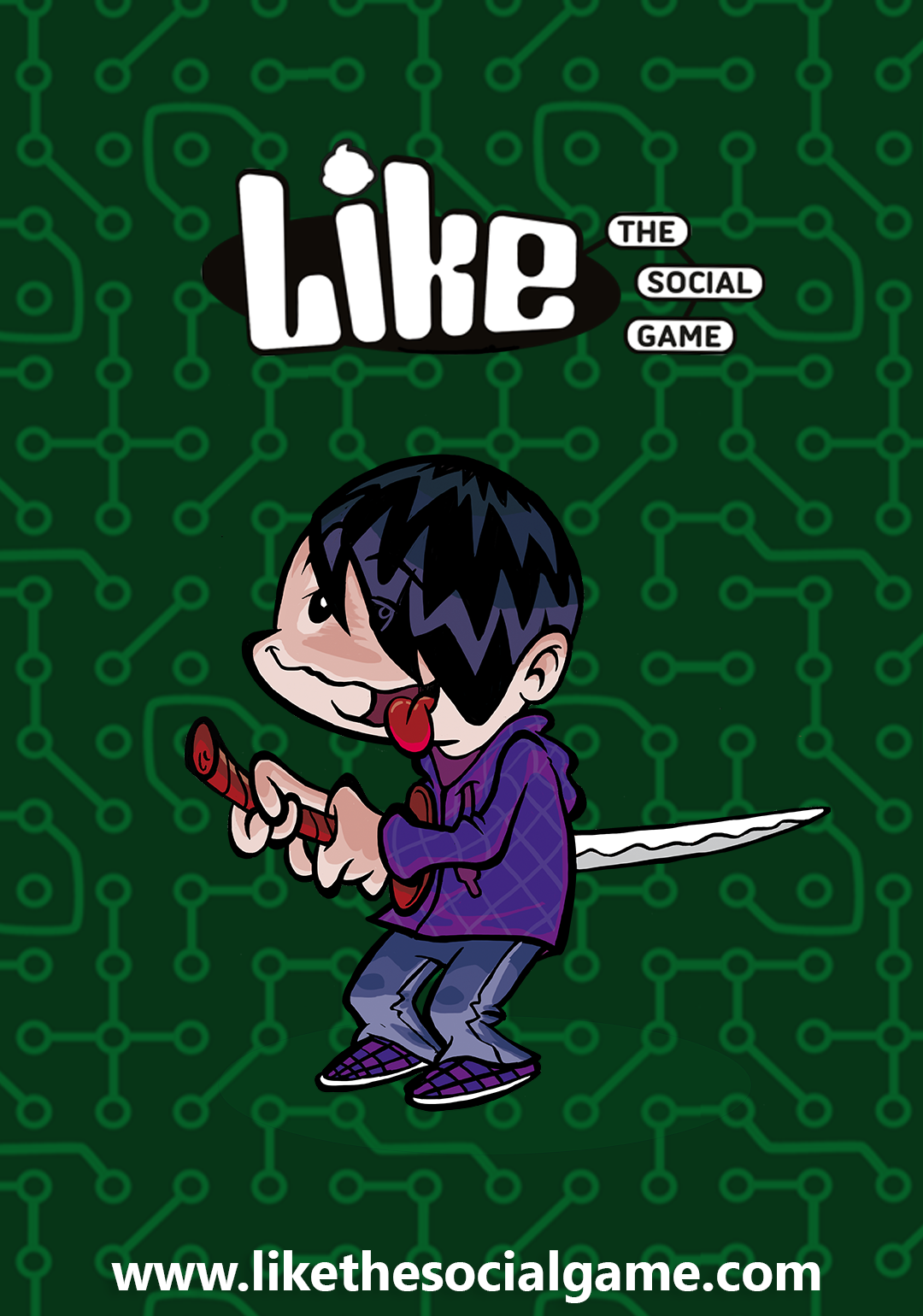 Emo wallpaper
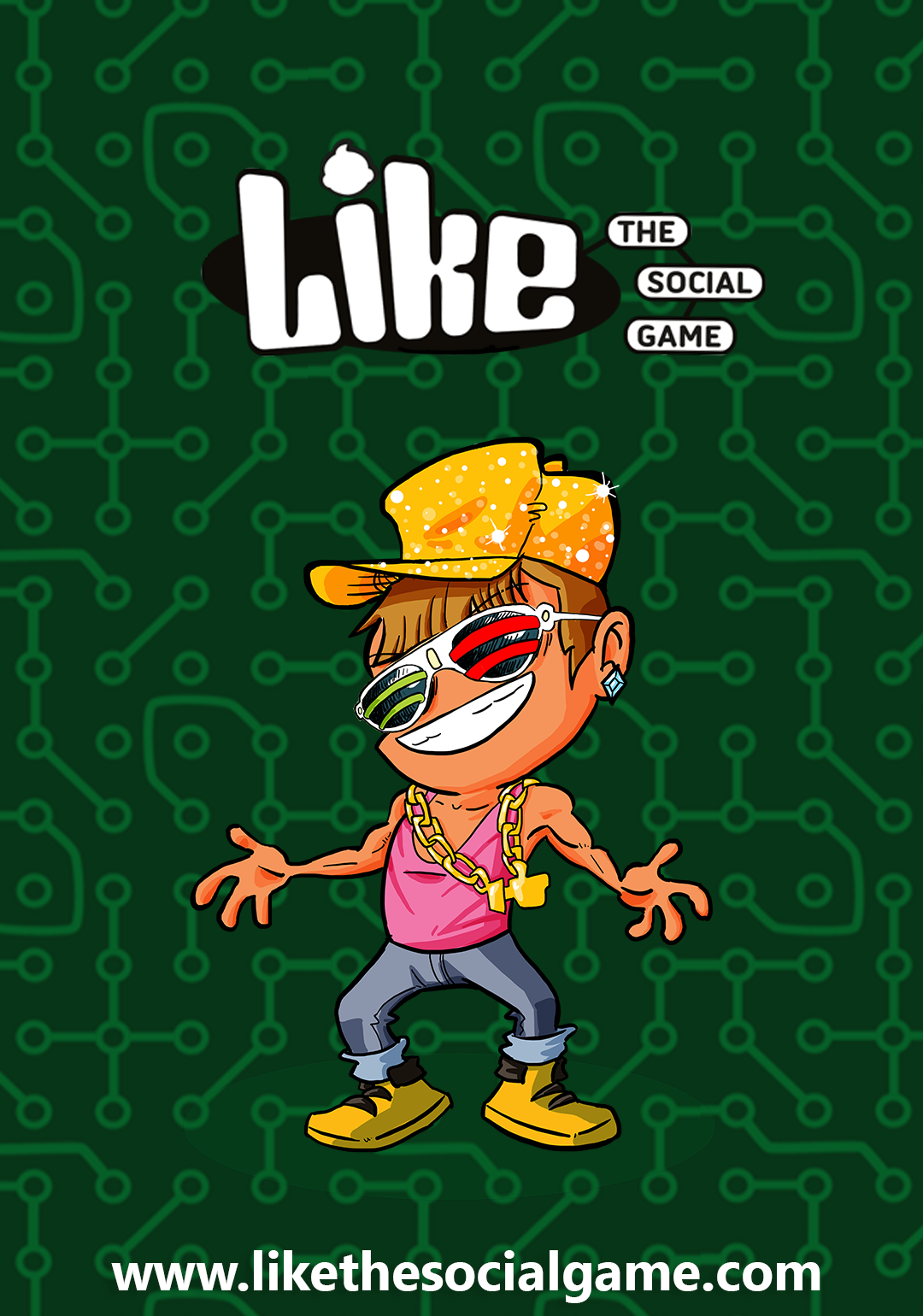

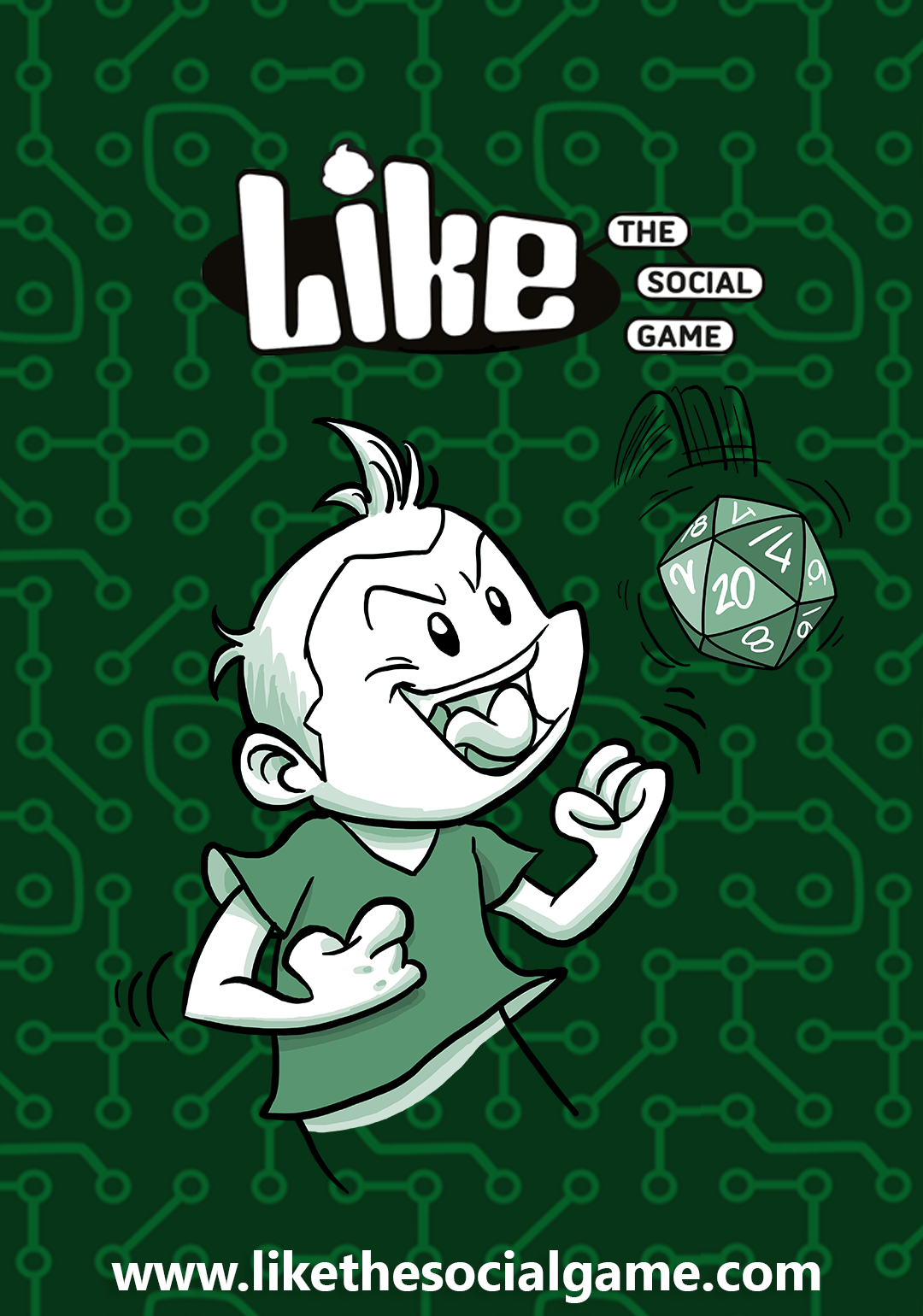 Epic Win wallpaper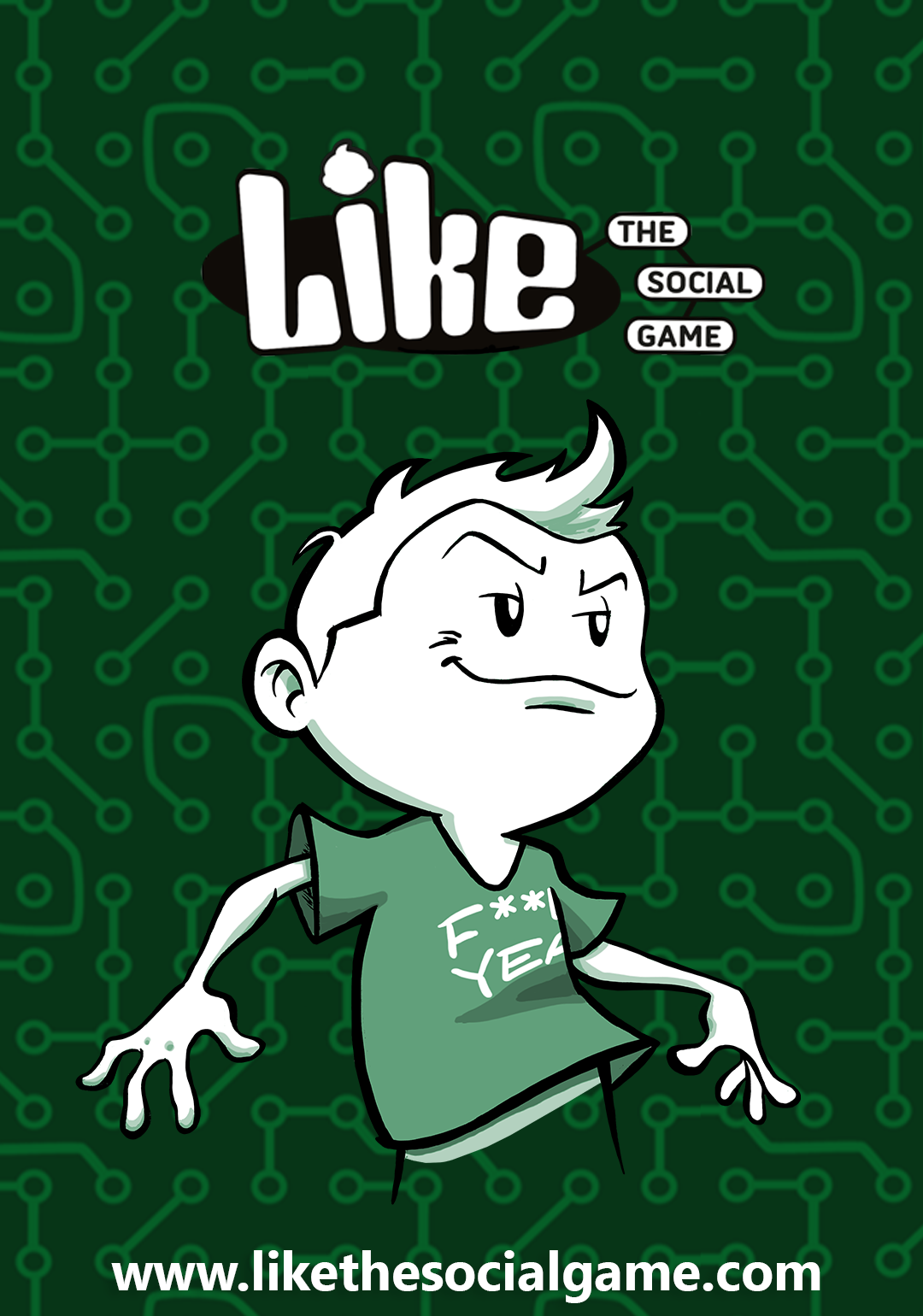

 Troll Face wallpaper
Tutorial
If you are on your smartphone: long touch the wallpaper and wait until the “save image” menu appears. Save it, then go to the general setting of your phone and set it as a Wallpaper or Screensaver!
If you are on your computer: right-click on the wallpaper and save the image on your computer, by clicking on “save image”. Then send it to your smartphone (for example by e-mail)! Once you have transferred the wallpaper, go to the general settings of your phone and set the image as a Wallpaper or Screesaver!
Tired of downloading the wallpapers one by one? Click here to get them all in a single shot!
You can’t live without your favourite Profile on your smartphone? You desperately wish some other wallpapers of the game?
Let us know which ones you want on the official Facebook page of Like – The Social Game.
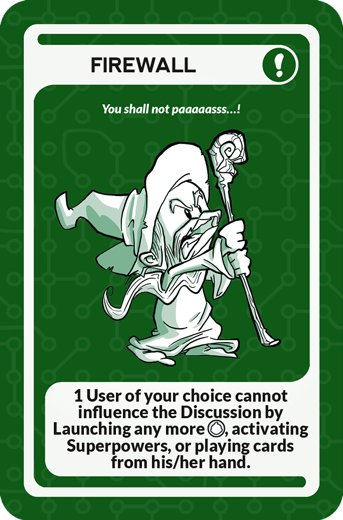
Promo Card that you can add to your deck:
Firewall : You shall not paaaaaasss…!
1 User of your choice cannot influence the Discussione buy Launching any more Fan, activating Superpowers, or playng cards from his/her hand.